
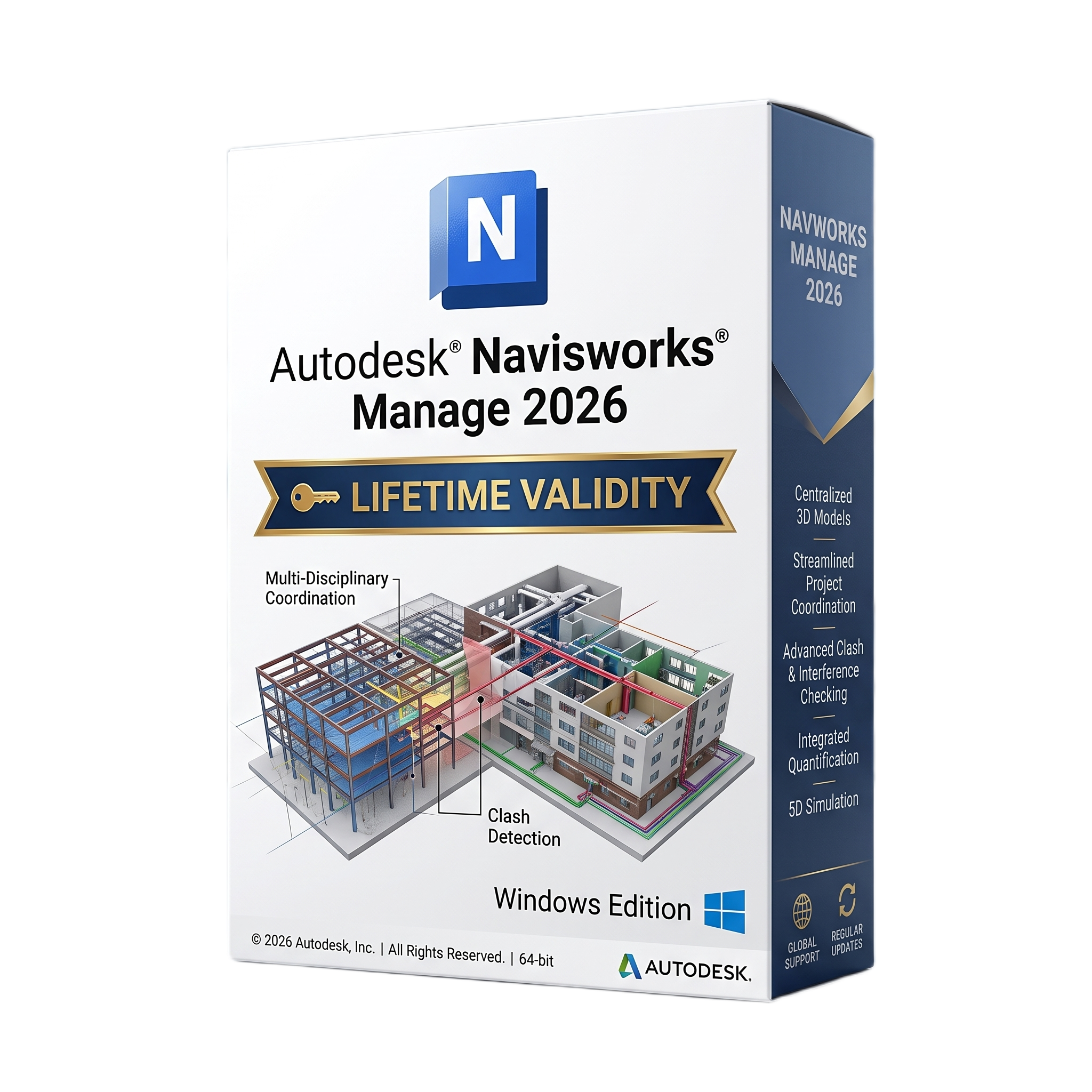

Autodesk Navisworks Manage 2026 Pre-Activated for Lifetime
- Automatic delivery instantly on registered email
- Free installation support available
- Pre-Activated for Lifetime validity
- Compatible with Windows operating system
- Professional BIM coordination and project review software
- Aggregate models from multiple CAD and BIM platforms
- Advanced Clash Detective for automated clash detection
- 4D construction simulation with TimeLiner
- Model review, redlining, viewpoints, and sectioning tools
- Quantification and quantity takeoff capabilities
- Redesigned Appearance Profiler and improved Measure tools
- Custom Property Sets and enhanced NWD export options
- Supports RVT, DWG, IFC, NWD, NWF, NWC, DGN, STEP, and many other formats
- Ideal for BIM managers, architects, engineers, contractors, and construction coordination teams
Original price was: ₹999.00.₹499.00Current price is: ₹499.00.
Autodesk Navisworks Manage 2026 for Windows is Autodesk’s advanced project review, BIM coordination, clash detection, and construction simulation software for architecture, engineering, and construction (AEC) professionals. Designed for BIM managers, architects, structural engineers, MEP engineers, contractors, and project coordinators, Navisworks Manage enables multidisciplinary teams to combine models from numerous design applications into a single federated project for comprehensive review, coordination, and analysis. It helps identify design conflicts early, improve communication among project stakeholders, and reduce costly errors during construction. (Autodesk Help)
Navisworks Manage 2026 supports a wide range of industry-standard file formats, including RVT, DWG, IFC, DGN, STEP, NWC, NWD, NWF, and many others, allowing project teams to integrate architectural, structural, mechanical, electrical, plumbing, and civil engineering models into a unified environment. Powerful navigation, sectioning, redlining, viewpoints, model comparison, quantification, and time-based construction simulation (4D) tools help teams analyze project progress, validate constructability, and improve project planning throughout the building lifecycle. (Autodesk Help)
Version 2026 introduces significant usability and coordination enhancements, including improvements to Clash Detective, a redesigned Appearance Profiler, updated Measure tools with save functionality, customizable Property Sets, pivot point locking for improved navigation, expanded Export to NWD options, and a modernized user interface. These updates improve BIM coordination workflows, model review efficiency, and collaboration across large infrastructure and building projects. (Autodesk Help)
Key Features
- Professional BIM coordination and project review software
- Aggregate models from multiple CAD and BIM applications
- Advanced Clash Detective for automated clash detection
- 4D construction simulation and scheduling (TimeLiner)
- Model aggregation and federated project management
- Real-time navigation through large BIM models
- Quantification and quantity takeoff tools
- Sectioning, viewpoints, markups, and redlining
- Model comparison and review workflows
- Redesigned Appearance Profiler
- Custom Property Sets for enhanced data management
- Export projects as NWD for secure project sharing
- Integration with Autodesk Construction Cloud and Autodesk Docs
- Broad support for RVT, DWG, IFC, DGN, NWC, NWF, NWD, STEP, and numerous other formats
- API support for customization and workflow automation
What’s New in Version 2026
- Improved Clash Detective capabilities
- Modernized user interface, icons, and dialogs
- Redesigned Appearance Profiler
- Updated Measure panel with Save functionality
- Pivot Point Lock for improved model navigation
- Enhanced Export to NWD with options to exclude hidden objects
- Custom Property Sets for flexible project data organization
- New default 2026 project file format
- Performance optimizations and workflow refinements
- Stability improvements and bug fixes
Professional Applications
Autodesk Navisworks Manage 2026 is ideal for:
- BIM coordination
- Clash detection and clash resolution
- Construction project review
- 4D construction simulation
- Construction sequencing
- Design coordination
- Model aggregation
- Quantity takeoffs
- Facility planning
- Infrastructure project management
System Requirements
Minimum Requirements
- Operating System: Windows 11 or Windows 10 (64-bit)
- Processor: 3.0 GHz or faster processor
- RAM: 2 GB minimum (higher recommended for production projects)
- Storage: 15 GB available disk space
- Graphics: Direct3D 9 and OpenGL-compatible graphics card with Shader Model 2 support
- Display: 1280 × 800 resolution
- Pointing Device: Microsoft-compatible mouse or equivalent
(Autodesk)
Recommended Requirements
- Operating System: Windows 11 (64-bit)
- Processor: Modern Intel Core i7/i9, Intel Xeon, AMD Ryzen 7/9, or Threadripper (3.5 GHz or faster)
- RAM: 32 GB or more for large federated BIM models
- Storage: High-speed NVMe SSD with at least 20 GB free space
- Graphics: Dedicated workstation GPU with 8 GB or more VRAM supporting DirectX/OpenGL
- Display: 1920 × 1080 or 4K UHD monitor
- Additional: Multiple monitors recommended for coordination meetings and large project reviews
Related Products
- Automatic delivery instantly on registered email
- Free installation support available
- Pre-Activated for Lifetime validity
- Compatible with Windows operating system
- Professional mechanical CAD and drafting software built on AutoCAD 2026
- Over 700,000 intelligent mechanical standard parts
- Automatic Bills of Materials (BOM), parts lists, and balloon generation
- Intelligent dimensioning, tolerancing, and shaft design tools
- Standards support including ANSI, ISO, DIN, JIS, BSI, and GOST
- Advanced Content Library for mechanical components
- Autodesk Docs cloud collaboration integration
- AutoLISP, VBA, and .NET customization support
- Optimized for manufacturing, machine design, and production documentation
- Ideal for mechanical engineers, product designers, manufacturers, and industrial drafting professionals
- Automatic delivery instantly on registered email
- Free installation support available
- Pre-Activated for Lifetime validity
- Compatible with Windows operating system
- Professional Building Information Modeling (BIM) software
- Intelligent architectural, structural, and MEP design platform
- Parametric 3D modeling with automatic documentation updates
- Advanced construction documentation and scheduling tools
- Worksharing and cloud-based BIM collaboration
- Autodesk Docs, ReCap Pro, and IFC interoperability
- Dynamo visual programming and API customization support
- Optimized for large, complex building projects
- High-performance graphics and multicore processor support
- Ideal for architects, engineers, contractors, BIM managers, and construction professionals
- Automatic delivery instantly on registered email
- Free installation support available
- Pre-Activated for Lifetime validity
- Compatible with Windows operating system
- Professional architectural CAD and building design software
- Built on the AutoCAD 2026 platform
- Intelligent walls, doors, windows, roofs, stairs, and architectural objects
- Automated floor plans, elevations, sections, and schedules
- Space planning and renovation design tools
- Project Navigator for managing large architectural projects
- Smart Blocks and Activity Insights productivity features
- Autodesk Docs cloud collaboration integration
- Full DWG compatibility with AutoCAD
- Ideal for architects, building designers, construction professionals, and architectural drafters.
- Automatic delivery instantly on registered email
- Free installation support available
- Pre-Activated for Lifetime validity
- Compatible with Windows operating system
- Professional electrical CAD design software built on AutoCAD 2026
- Over 65,000 intelligent electrical symbols
- Automated wire numbering, component tagging, and cross-referencing
- PLC I/O design and panel layout creation
- Terminal strip management and cable documentation
- Automatic Bill of Materials (BOM) and project reports
- Real-time error checking and design validation
- Autodesk Docs cloud collaboration support
- Full DWG compatibility and extensive customization options
- Ideal for electrical engineers, automation specialists, panel builders, and industrial control system designers
- Automatic delivery instantly on registered email
- Free installation support available
- Pre-Activated for Lifetime validity
- Compatible with Windows operating system
- AI Smart Blocks automatically detect and convert repeated objects
- Activity Insights for tracking file history and edits
- Markup Assist to import revisions from images and PDFs
- Up to 11x faster performance for large 2D and 3D files
- Connected support files with automatic cloud synchronization
- Includes web and mobile access for on-the-go editing
- 7 specialized industry toolsets included
- Enhanced 3D graphics for smooth navigation and rendering
- Automatic delivery instantly on registered email
- Free installation support available
- Pre-Activated for Lifetime validity
- Compatible with Windows operating system
- Professional 3D mechanical CAD software
- Parametric part, assembly, and sheet metal design
- Integrated simulation, motion analysis, and stress validation
- Frame Generator, Tube & Pipe, and Cable & Harness tools
- Automatic BOM generation and manufacturing documentation
- iLogic design automation and API customization
- Broad CAD interoperability including DWG, STEP, IGES, STL, and IFC
- Autodesk Vault and cloud collaboration integration
- Optimized for large assemblies and complex engineering projects
- Ideal for mechanical engineers, product designers, manufacturers, and industrial equipment developers
- Automatic delivery instantly on registered email
- Free installation support available
- Pre-Activated for Lifetime validity
- Compatible with Windows operating system
- Professional BIM software for civil engineering and infrastructure design
- Built on the AutoCAD 2026 platform
- Intelligent terrain modeling, alignments, corridors, and grading tools
- Survey processing, parcel design, and utility network modeling
- Road, highway, railway, and land development workflows
- Dynamic plans, profiles, cross sections, and quantity takeoffs
- 3D Model Viewer and Infrastructure Design Review integration
- Dynamo automation and Project Explorer enhancements
- Autodesk Construction Cloud and Autodesk Docs collaboration
- Ideal for civil engineers, surveyors, transportation engineers, land developers, and infrastructure professionals
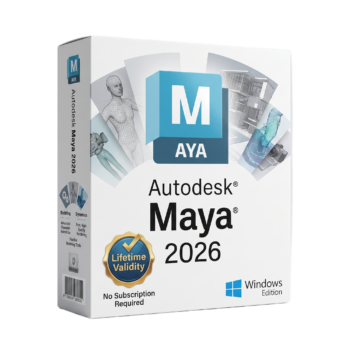
- Automatic delivery instantly on registered email
- Free installation support available
- Pre-Activated for Lifetime validity
- Compatible with Windows operating system
- Professional 3D animation, modeling, and VFX software
- Industry-standard solution for film, television, and game development
- Advanced modeling, sculpting, rigging, and character animation
- Integrated Arnold renderer for photorealistic rendering
- Bifrost procedural effects and simulation framework
- OpenPBR default shader and LookdevX material workflows
- USD, FBX, Alembic, OBJ, STL, and glTF interoperability
- Python, MEL, and C++ API customization
- Optimized for high-performance multicore CPUs and workstation GPUs
- Ideal for 3D artists, animators, VFX professionals, game developers, and production studios
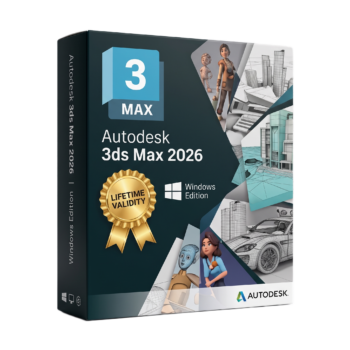
- Automatic delivery instantly on registered email
- Free installation support available
- Pre-Activated for Lifetime validity
- Compatible with Windows operating system
- Professional 3D modeling, animation, and rendering software
- Industry-standard solution for architectural visualization, VFX, and game development
- Advanced polygon, spline, and procedural modeling tools
- Integrated Arnold Renderer with OpenPBR material support
- Non-destructive Modifier Stack workflow
- Character animation with CAT and Biped systems
- USD, FBX, OBJ, Alembic, STL, and DWG interoperability
- Python, MAXScript, and C++ SDK customization
- Optimized for high-performance multicore CPUs and workstation GPUs
- Ideal for architects, 3D artists, animators, game developers, visualization specialists, and VFX professionals
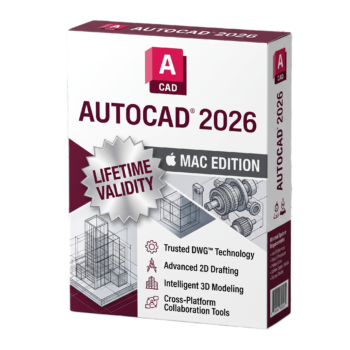
- Automatic delivery instantly on registered email
- Free installation support available
- Pre-Activated for Lifetime validity
- Compatible with Mac operating system
- Professional native CAD software for macOS
- Optimized for Apple Silicon (M-series) and Intel Macs
- Create precise 2D drawings and 3D models
- Full DWG and DXF compatibility
- Smart Blocks, Dynamic Blocks, and parametric drafting tools
- Activity Insights and Autodesk Docs cloud collaboration
- PDF import/export and external reference support
- Retina display and Metal graphics optimization
- AutoLISP automation support
- Ideal for architects, engineers, designers, and construction professionals
Reviews
There are no reviews yet.